
Comments, notifications and mentions
Each comment “balloon” on a Stack contains a comment thread. When you leave a comment on a thread, anyone who is subscribed to that thread and has email alerts enabled will be notified.
When you create a comment thread, you are subscribed to it (“I want to receive replies to comments I left”). The creator of a stack is also, by default, subscribed to all new threads on it (“I want to be notified of anyone leaving comments on my stack”). When you reply to a thread, you will also become subscribed to that it (“I’m now part of the conversation, and want to be notified of replies”). Remember that if you’ve disabled email alerts, that will take priority, and you won’t receive email notifications.
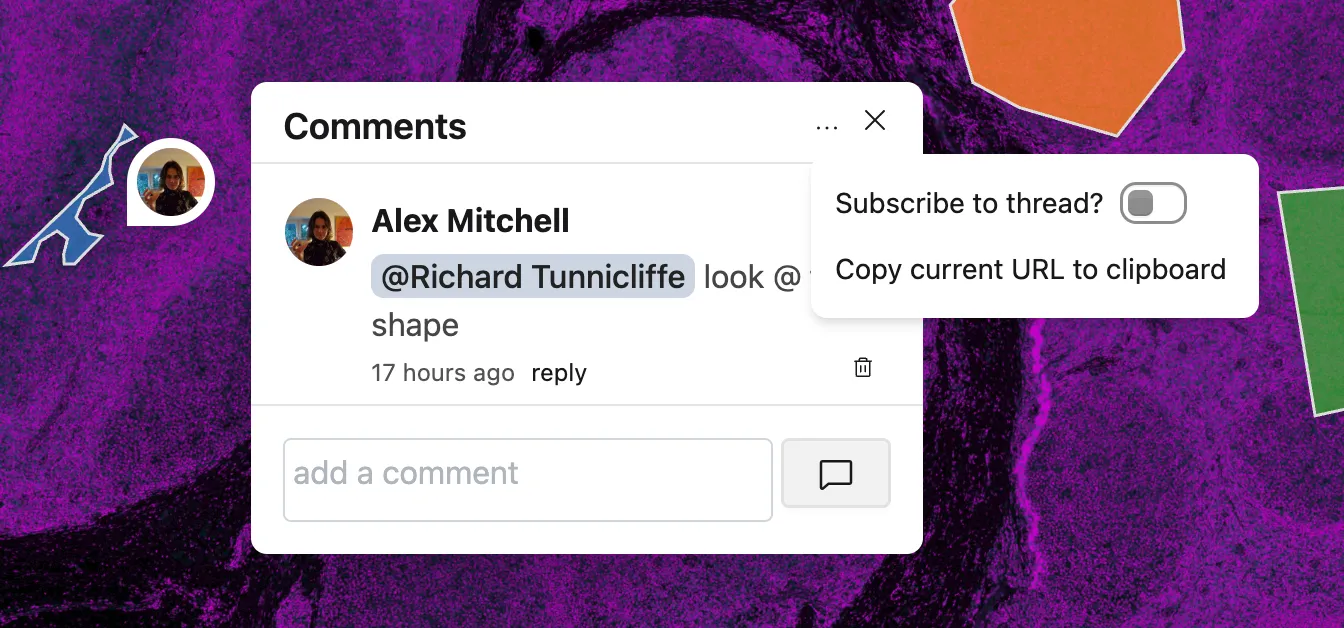
If you no longer want to receive notifications on a particular thread, click on the ... icon at the top of thread. The menu that appears will allow you to toggle your subscription to the thread. (This will also enable you to subscribe to a comment thread without necessarily participating in it).
Once you have unsubscribed using this option posting further comments on the thread won’t automatically re-subscribe you to it. You can still explicitly re-subscribe using the menu item.
Mentions
Section titled “Mentions”Other Sundog users can be explicitly “mentioned” in a comment. A mention will link directly to their user profile, and notify the user in question (if they have email notifications enabled). Mentioning users is a great way to draw attention of someone else in a Lab or team to something on a Stack, and to bring them into the conversation.
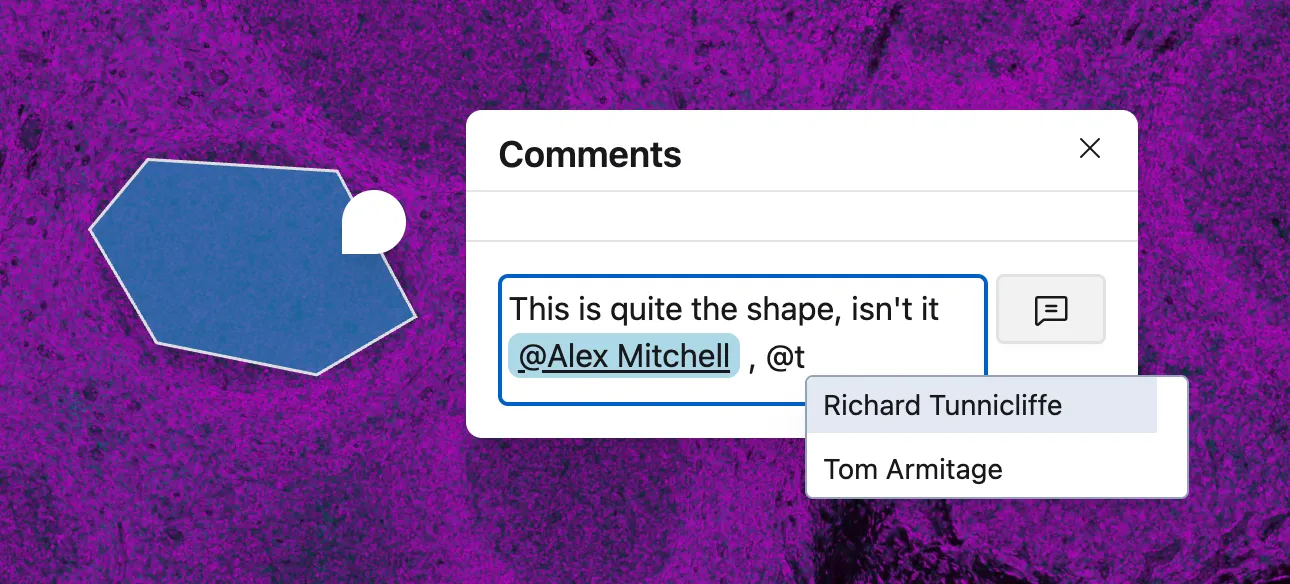
To mention another user in a comment, type
Note that mentioned users are not automatically subscribed to the comment thread. If they want to receive notifications after the initial mention, they can either explicitly subscribe via the menu toggle, or respond to the mention by leaving a comment.