
Quicksearch
Quicksearch allows you to quickly search your content on Sundog, as well as navigate between experiments, projects, and labs.

Quicksearch can be found in the top right navigation bar on most pages on Sundog. Clicking it brings up a search bar in the middle of the screen.

Type to search. As you type, search results will load in, grouped into experiments, projects, and labs. Each group will have at most ten items.
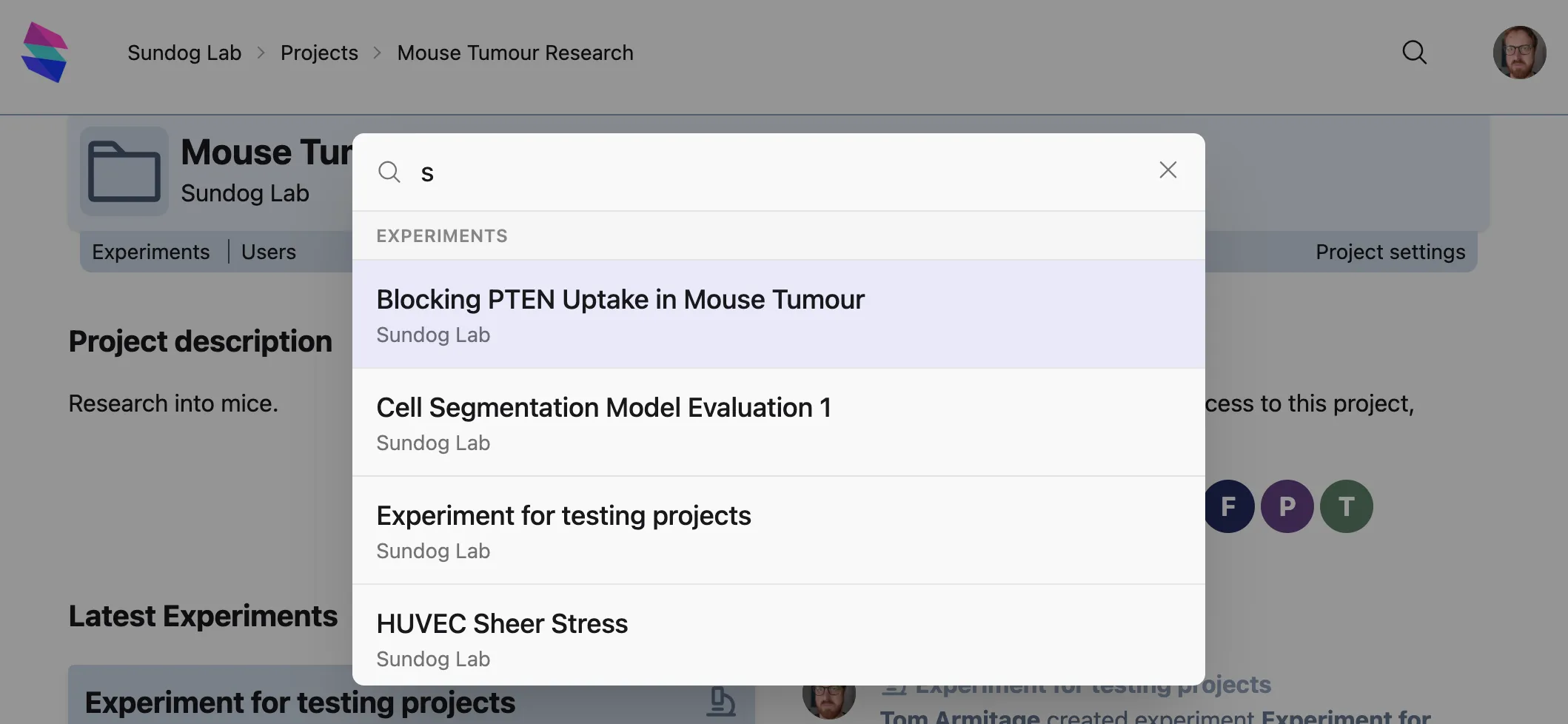
Click on an item to be taken straight to it.
Keyboard shortcuts
Section titled “Keyboard shortcuts”Quicksearch can used entirely from the keyboard.
When the Quicksearch bar is visible,
When search results are visible in the Quicksearch bar,